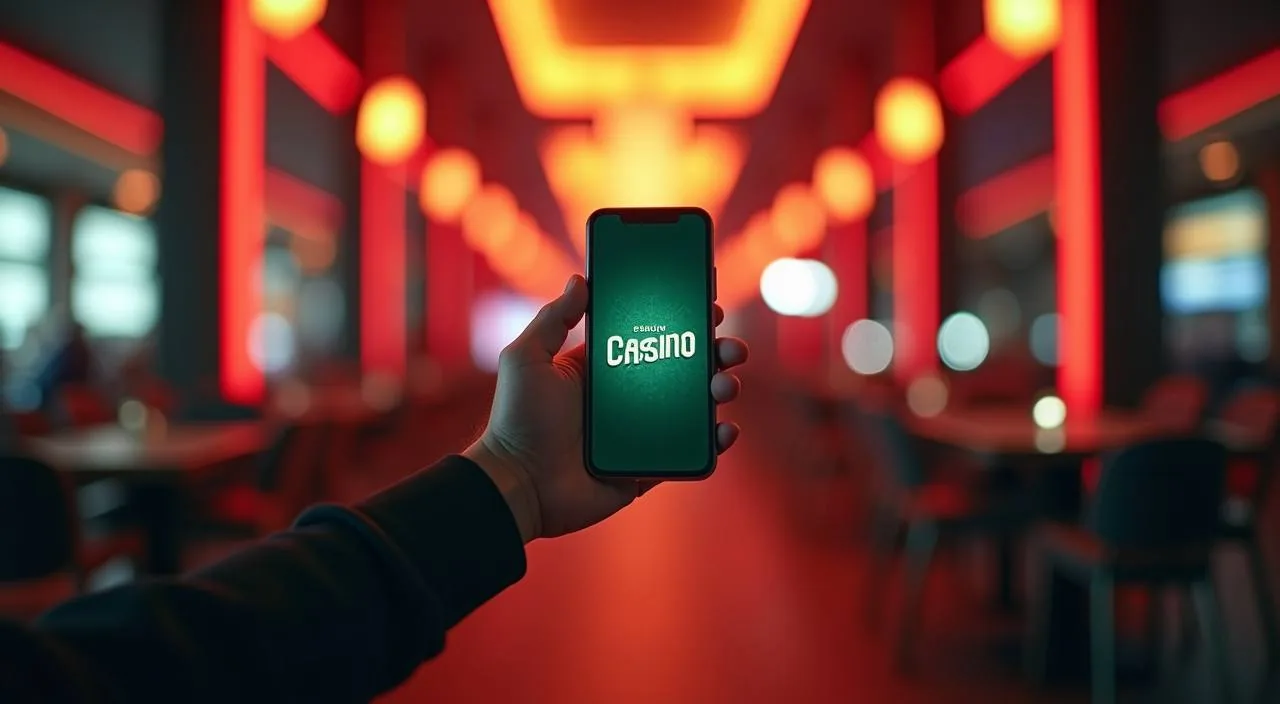
Open 88k88 directly in your mobile browser and get straight to the lobby — sports markets, live tables and slots load without an app store visit. Check the current domain at 88k88 to confirm you are on the active site before signing in.
When you open 88k88 on your phone, the site loads a responsive layout built for smaller screens. The navigation bar collapses into a menu you tap to reach sports, live casino and slots. Your account wallet, deposit routes and transaction history are all reachable from the same signed-in session — no separate app required. Game discovery works through the lobby categories: tap a section, browse the titles available, and open one directly in the browser. Help pages and account settings follow the same path. If a page does not load cleanly, clearing your browser cache or switching to a current version of Chrome or Firefox on Android usually resolves it. The site does not currently publish a native Android or iOS build in any app store, so the browser route is the confirmed access path. Bookmark the verified domain so you return to the right address each time.
BROWSER FEATURES
Mobile Web Features Worth Knowing
Four things about how 88k88 behaves in a mobile browser that affect your session directly.
Responsive Layout
The lobby reflows for portrait and landscape orientations. Menus, game cards and the account panel all resize to fit your screen without horizontal scrolling, so you can navigate with one hand while the page stays readable.
Session Continuity
Your signed-in session persists across browser tabs on the same device. Close and reopen the tab and you stay logged in, provided your browser is not set to clear cookies on exit. Check your browser privacy settings if sessions drop unexpectedly.
Account Wallet Access
Deposit, withdrawal and transaction history pages are accessible from the account menu in the mobile browser. The same wallet routes available on desktop — including bKash and Rocket — appear in the mobile view for supported regions.
Game Load in Browser
Slot titles from Joker, Habanero, CQ9 and PG Soft, along with live tables and sports markets, open inside the browser window. No plugin or separate viewer is needed; a stable mobile data or Wi-Fi connection keeps gameplay smooth.
THREE QUICK STEPS
Mobile Access in 3 Steps
Getting into the 88k88 lobby on your phone takes three steps and no installation. Start by typing 88k88 directly into your browser address bar — do not search for it through a third-party link, since the verified domain is the safest entry point. Once the page loads, check that the address bar shows the correct domain before you enter any account details. Second, if you have not already created an account, tap the join option on the homepage and complete the registration fields shown there; existing account holders tap sign in and enter their credentials. Third, once you are inside the signed-in lobby, add the page to your browser's home screen using the share or bookmark option — on Chrome for Android this is 'Add to Home Screen', on Safari for iOS it is the share icon then 'Add to Home Screen'. That shortcut opens the site at full-screen width next time, which gives a cleaner view without the browser toolbar taking up space.
Open the verified domain
Type 88k88 into your browser address bar and confirm the domain before proceeding.
Sign in or register
Use the sign-in or join option on the homepage and complete the fields shown in your account area.
Add to your home screen
Use your browser's share menu to add a shortcut so the site opens quickly next time.
DEVICE CHECKLIST
Browser and Device Compatibility
Before your first session, run through these four checks to avoid access issues on your device.
Browser version
Use a current release of Chrome, Firefox or Samsung Internet on Android, or Safari on iOS. Older browser versions may not render the lobby layout correctly or may block the sign-in session from persisting.
Screen layout
The site is designed for screens from around 360px wide upward. Most Android and iOS phones released in the last four years fall within this range. Tablets work in both orientations; the layout widens to use the extra space.
Account requirements
You need a registered 88k88 account to access the full lobby. Registration is done through the site; check the account creation page for the current fields and any eligibility conditions that apply to your region.
Supported regions
Access to 88k88 depends on local law and eligible regions. If the site does not load or certain features are unavailable, this may reflect a regional restriction rather than a device issue. Check the published terms for current eligibility details.
Connection quality
Live casino tables and crash games stream video, so a stable 4G or Wi-Fi connection gives the smoothest experience. Slower connections may cause buffering on live dealer titles; slots and sports markets load on lighter data.
GET HELP FAST
Support Routes for Mobile Users
If something is not working in your mobile browser session, these are the published routes to reach the 88k88 support team.
Live Chat
The live chat option is accessible from the help section of the site while you are signed in. Open the account menu, navigate to support, and start a chat session. This is the fastest route for login issues, page errors or account queries on mobile.
Email Support
For issues that need a record — such as a transaction discrepancy or an account access problem that chat could not resolve — use the email contact published in the site's help or contact page. Include your account details and a description of the issue.
Help Pages
The site publishes help articles covering account setup, wallet routes and browser access. These are reachable without signing in, so if you are locked out of your account, the help section is a good first stop before contacting support directly.
STAY SECURE ONLINE
Mobile Access Trust Checks
Four habits that keep your 88k88 account secure when you access it from a mobile browser.
Verify the domain
Always confirm the address bar shows 88k88 before entering your password. Phishing pages copy the look of a site but use a slightly different domain. If the address looks off, close the tab and navigate directly to the correct domain.
Review device guidance
The site publishes guidance on supported browsers and access steps in its help section. Check there first if a feature is not behaving as expected — the published guidance reflects the current site configuration, not a cached version.
Protect your credentials
Use a password that is unique to your 88k88 account and do not save it in a shared browser profile. If you think your credentials have been compromised, use the account recovery path published on the sign-in page immediately.
Use the published recovery path
If you lose access to your account, follow the recovery steps shown on the sign-in page — typically an email or phone verification flow. Do not share your account details with anyone claiming to offer recovery help outside the official site.
YOUR QUESTIONS ANSWERED
88k88 App — Common Questions
Answers to the questions we hear most from mobile users accessing 88k88 through their browser.
Is there a native 88k88 app available to download?
88k88 does not currently publish a native app in the Google Play Store or Apple App Store. The confirmed access route is the mobile browser. Open 88k88 in Chrome, Firefox or Safari and the site loads a mobile-optimised layout without any download needed.
How do I add 88k88 to my phone's home screen?
On Android using Chrome, tap the three-dot menu and select 'Add to Home Screen'. On iOS using Safari, tap the share icon at the bottom of the screen and choose 'Add to Home Screen'. The shortcut opens the site in a full-screen view without the browser toolbar.
Why is my session logging out every time I close the browser?
This usually means your browser is set to clear cookies on exit. Go into your browser's privacy or site settings and check whether cookies are being cleared automatically. Allowing cookies for 88k88 should keep your session active between visits.
Can I access my bKash and Rocket wallet routes on mobile?
Yes. The account wallet section is accessible from the mobile browser just as it is on desktop. Once signed in, open the account menu and navigate to the deposit or withdrawal section to see the payment routes currently available for your region.
Which browsers work with 88k88 on mobile?
Current releases of Chrome and Samsung Internet on Android, and Safari on iOS, are the recommended browsers. Older versions may have layout or session issues. Keeping your browser updated to the latest release gives the most consistent experience on the site.
What should I do if the 88k88 site does not load on my phone?
First, confirm you are using the correct domain — 88k88. Then try clearing your browser cache and reloading. If the issue continues, check whether a regional restriction applies in your area, as access depends on local law and eligible regions. The site's help section has further guidance.
 Sports / Casino